
Getting Started
How to start
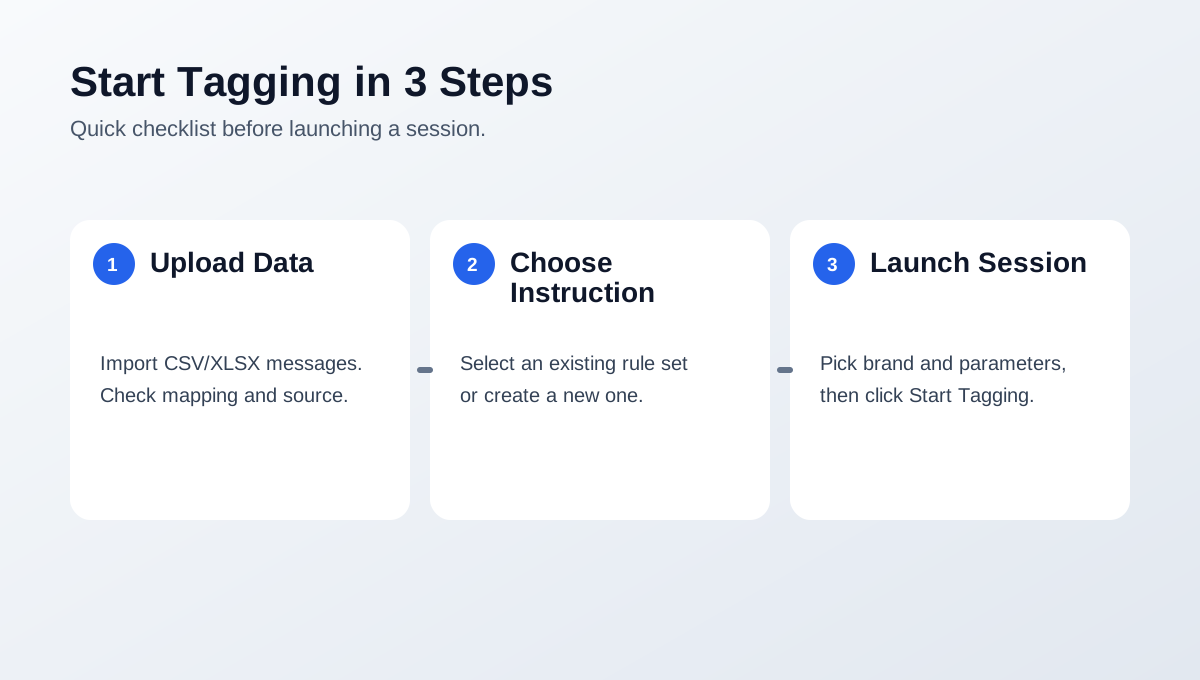
Quick checklist for your first tagging session.
Start your first session
- Open Monitoring:
- use All messages for a global stream,
- add/open feeds for source-specific monitoring. - In All messages (or inside a feed), build an exact dataset:
- use all filtered messages, or
- select specific table rows and save a manual dataset. - Open Start Tagging and pick source mode:
- upload a new file, or
- choose an existing dataset card grouped by source type. - Select instruction and launch the session.
Need more details? Visit Tagging flow.